
For coaching businesses
Build the plans. Change them on the fly. Scale the business.
One console for coaching, selling and running a team, under your own name, colors and logo.
Invitation only for now.
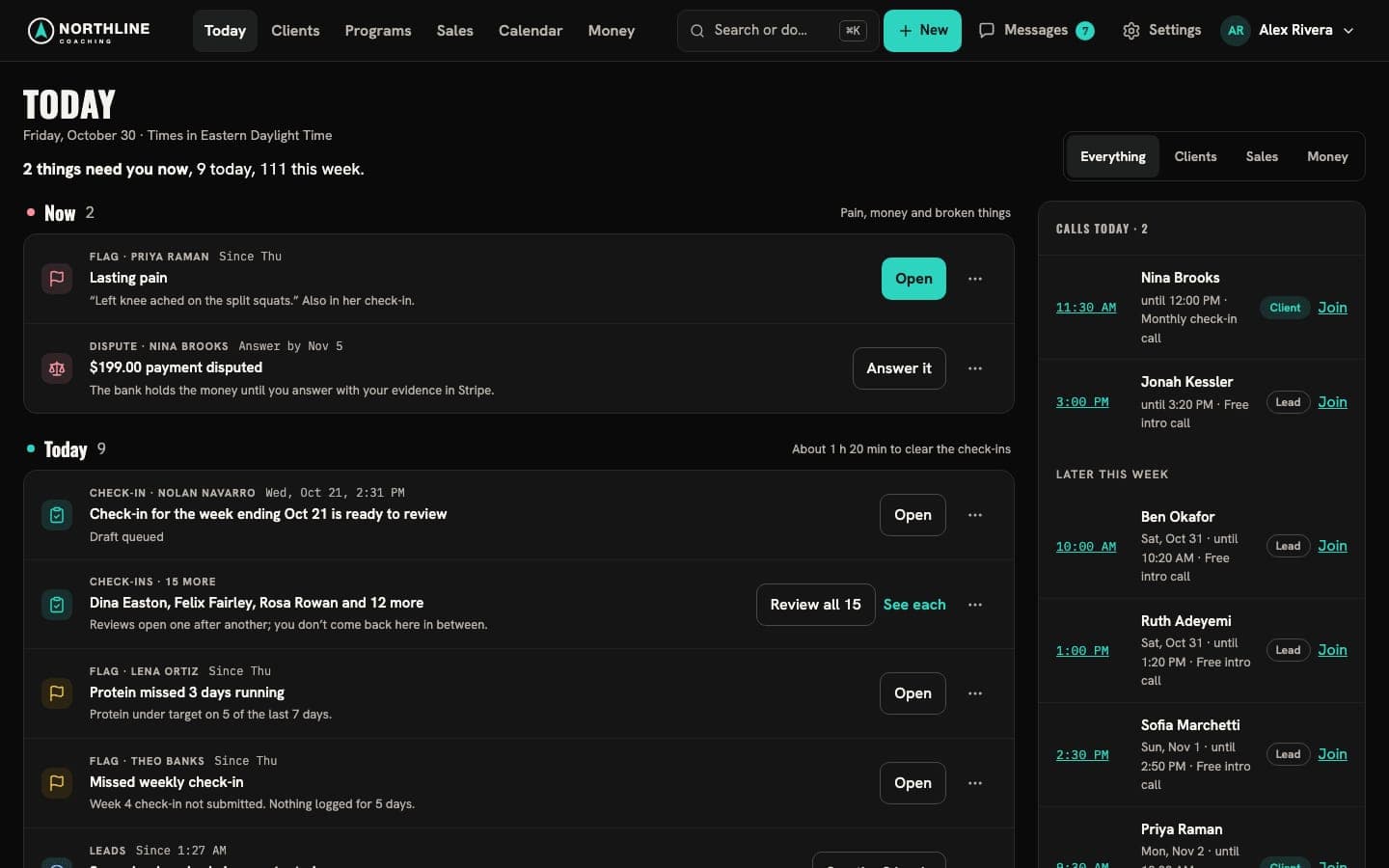
Build
Workouts and plans, built once
Write a program’s plans in one editor, from your own exercise and recipe libraries, and reuse them across clients.
- Days, exercises and Full, Compressed and Minimum versions
- Exercise, recipe and food libraries of your own
- Programs with their own check-ins, onboarding and price
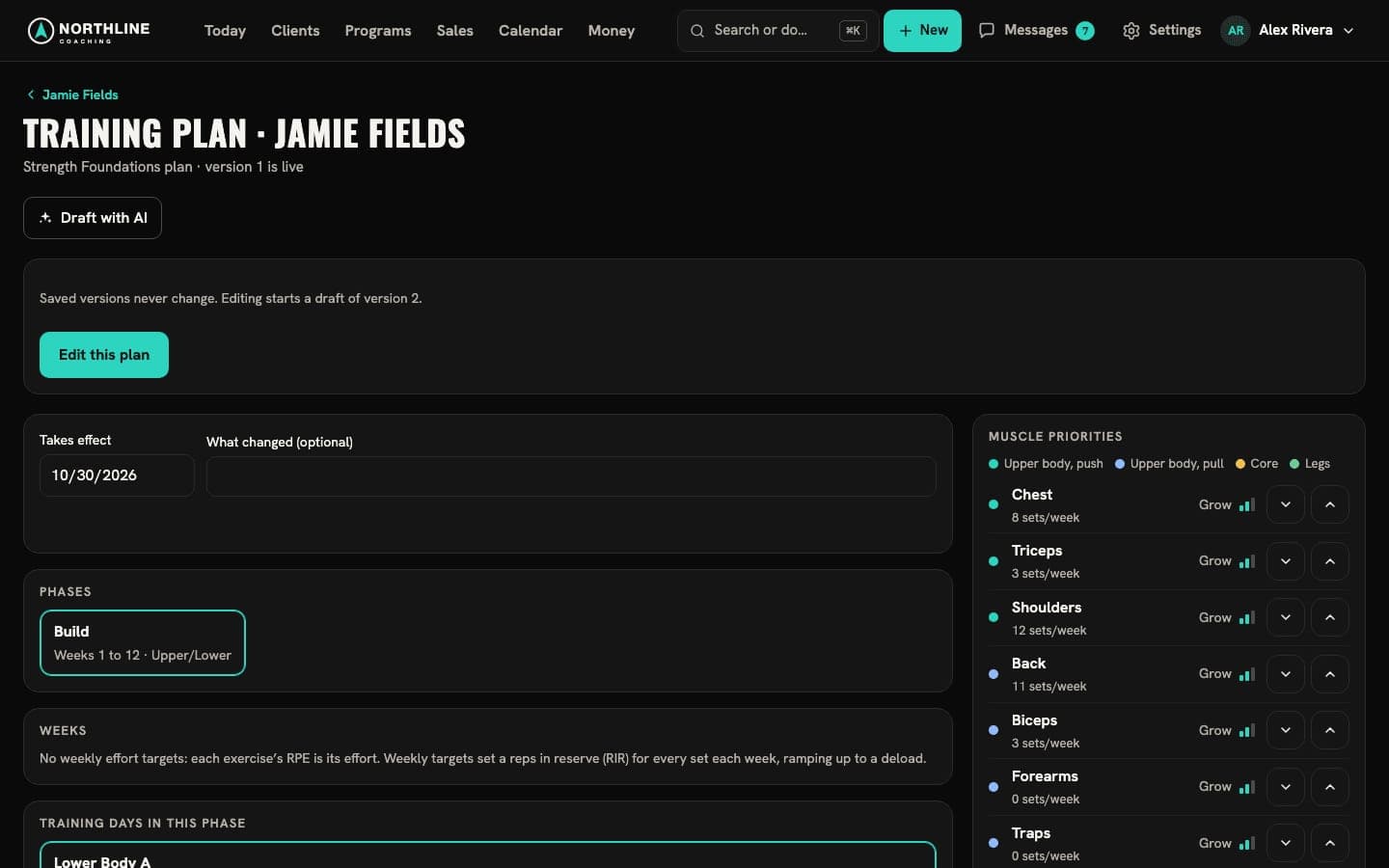
Change it on the fly
Five weeks in, change the plan
Adjust a client’s live plan in the middle of a program. No new plan, no lost history.
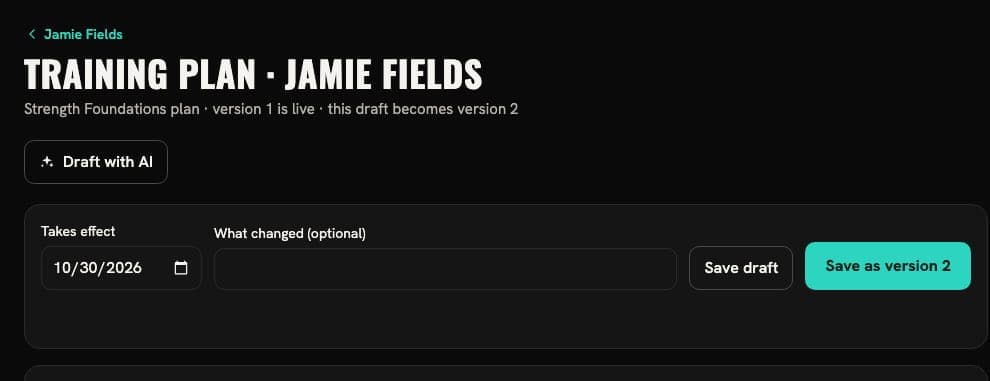
Make the change
An extra set, an exercise added to the short version. It waits as the next version.
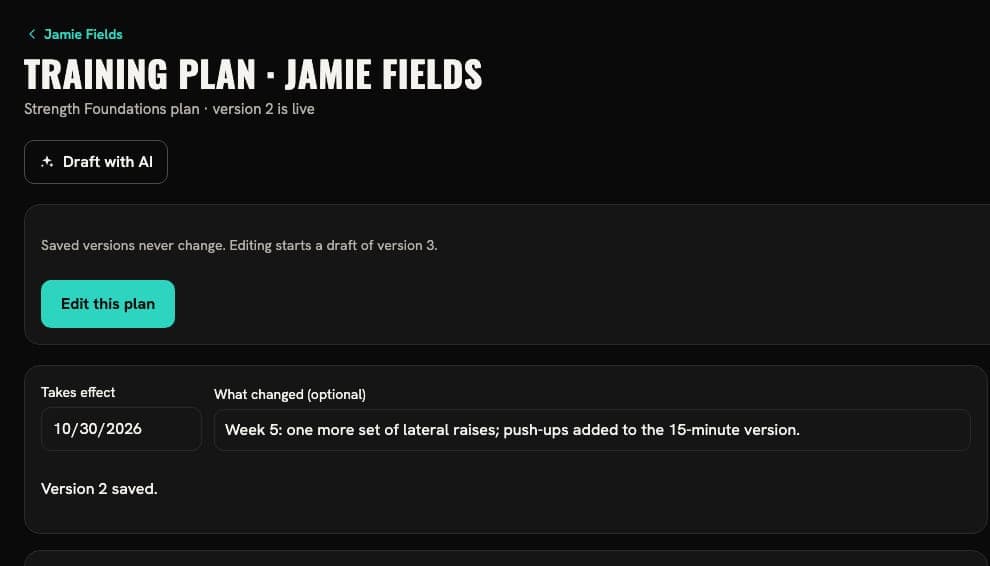
Save it as version 2
Say what changed. It’s live from today, and version 1 stays in the history.
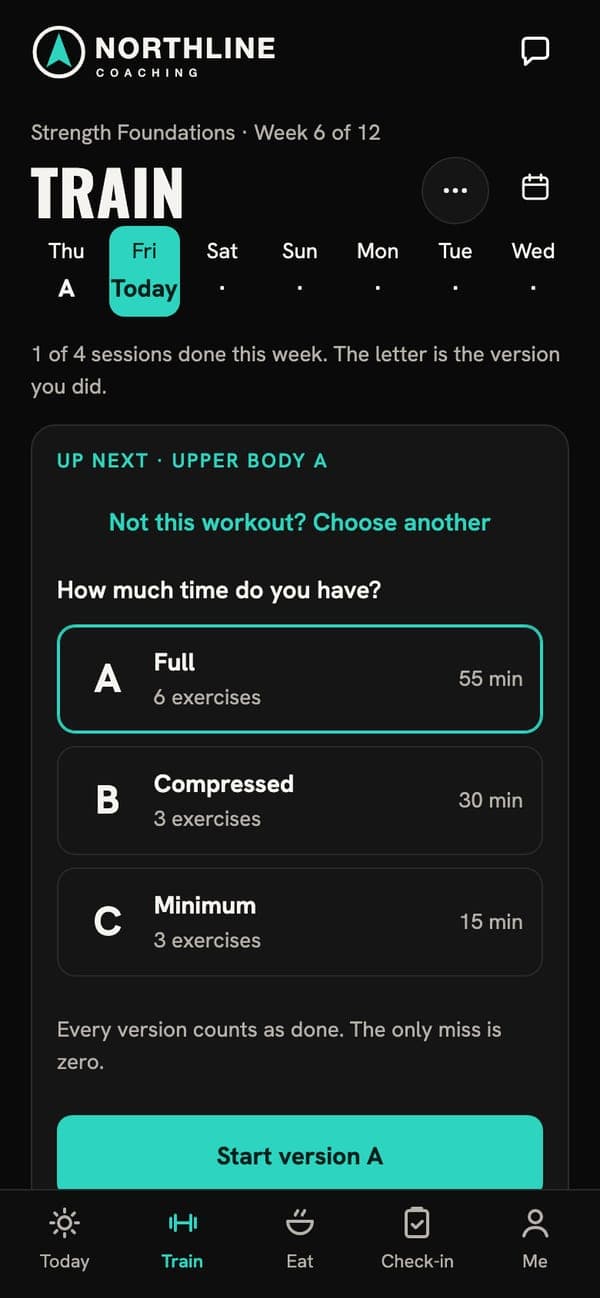
Your client sees it
Today’s workout on their Train tab shows the new sets.
Draft with AI
Review plans. Stop writing them from scratch.
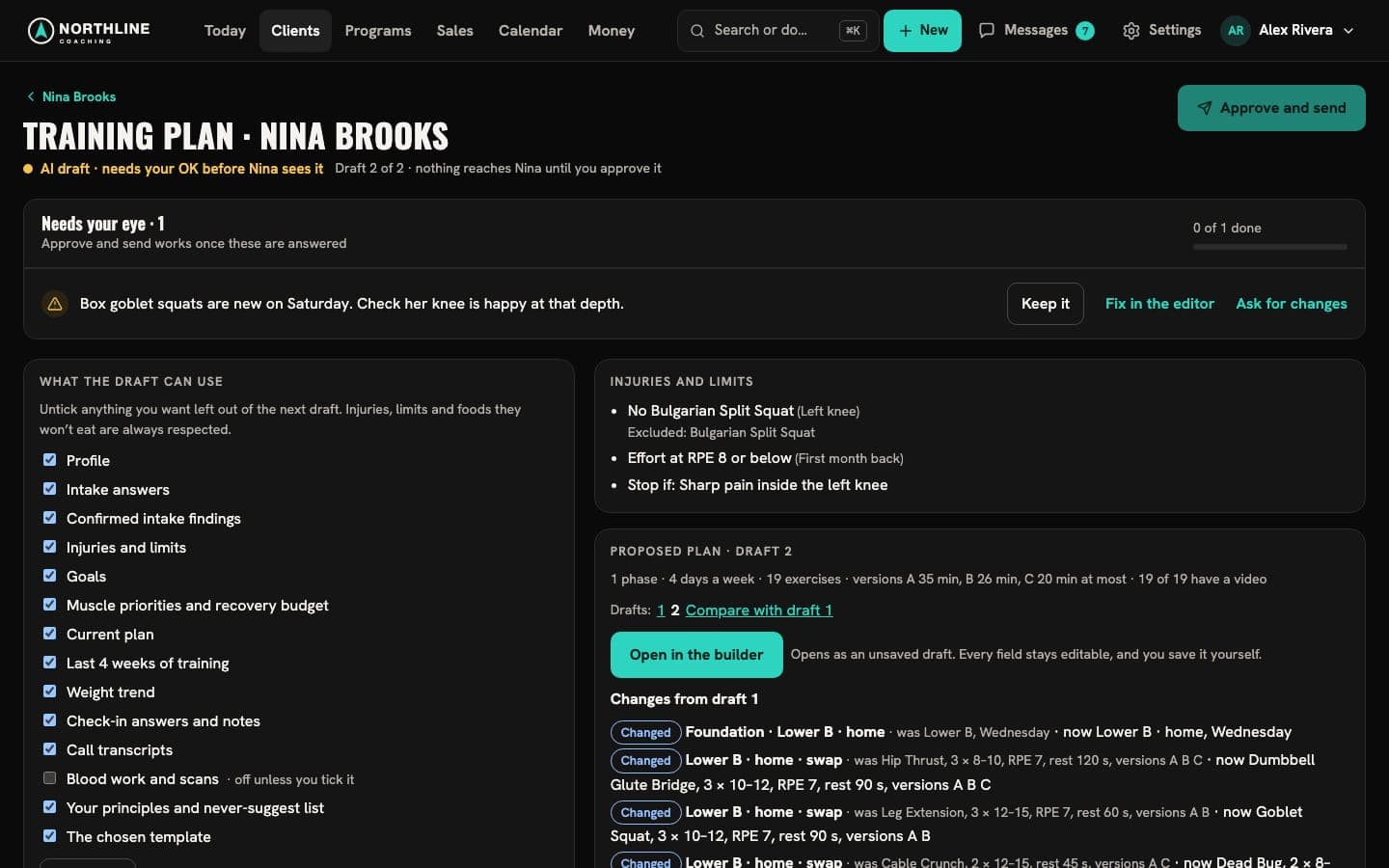
Describe what you want. The drafter uses the client’s intake, constraints and equipment, and flags anything that needs your eye.
- Training and nutrition drafts you edit in plain words
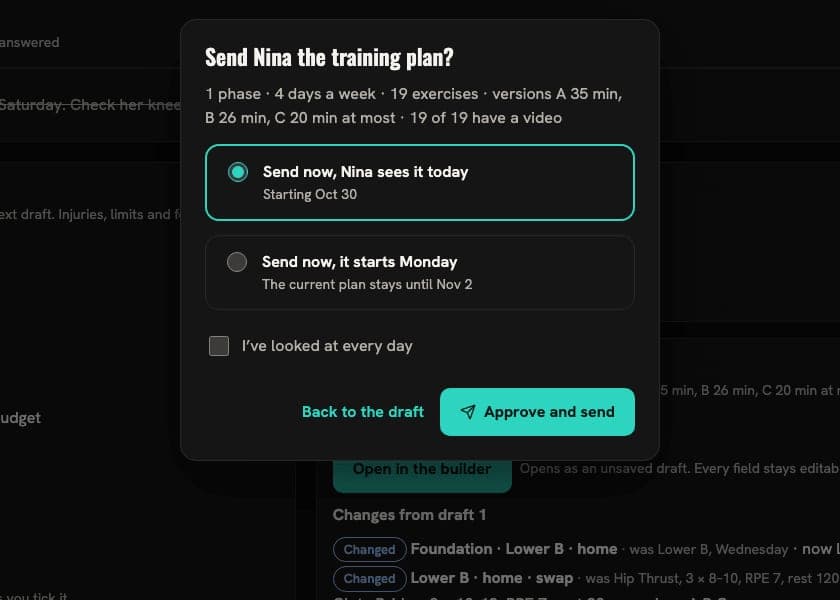
- “Needs your eye” items you answer before you can send
- Nothing reaches a client until you approve it
With the AI add-on, on any package
Weekly reviews
Review in three steps
Every client’s check-in becomes a review: prepare, record, write up and publish.
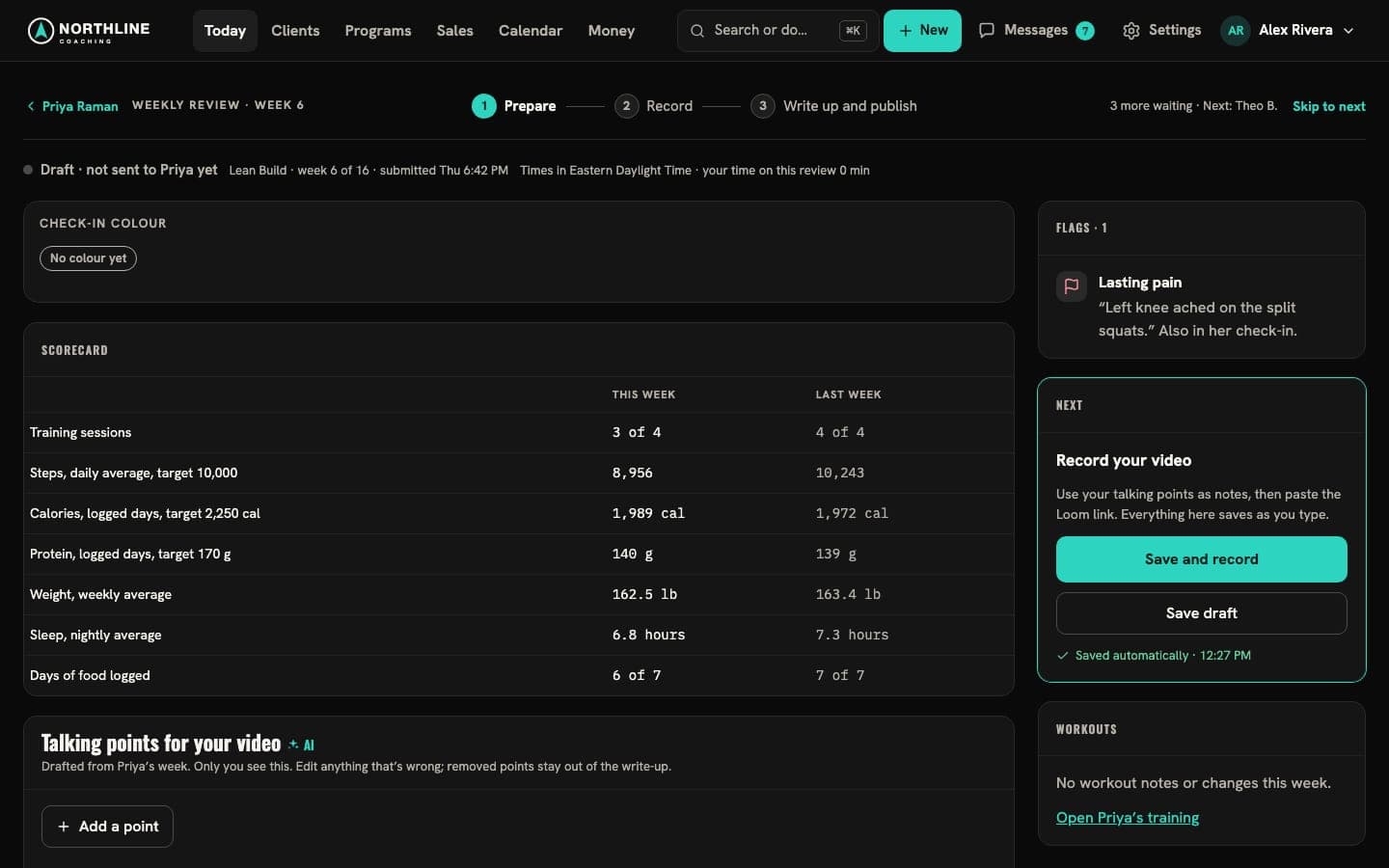
1 Prepare
The week laid out, with draft points when you use AI.
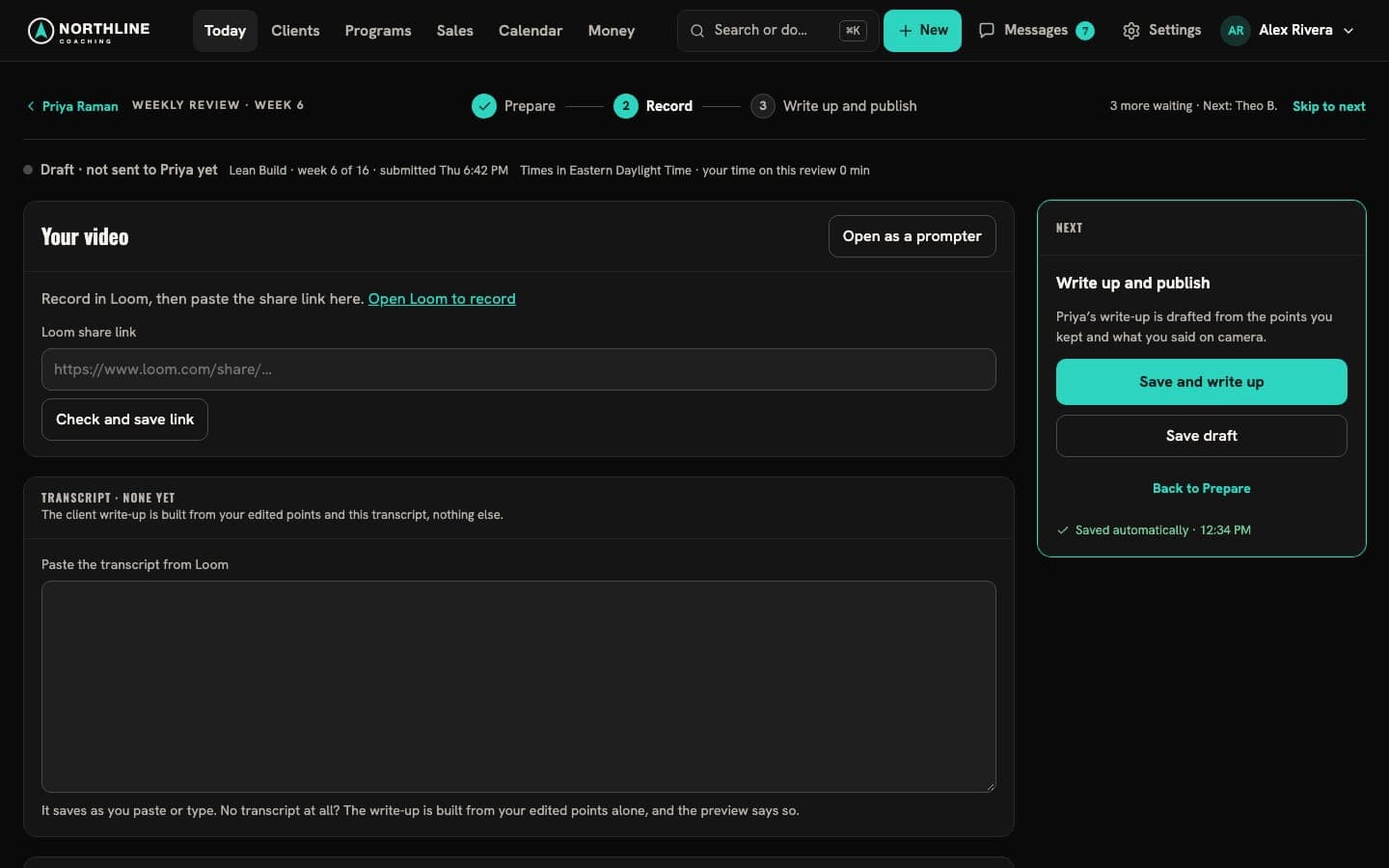
2 Record
Record your video, paste the link.
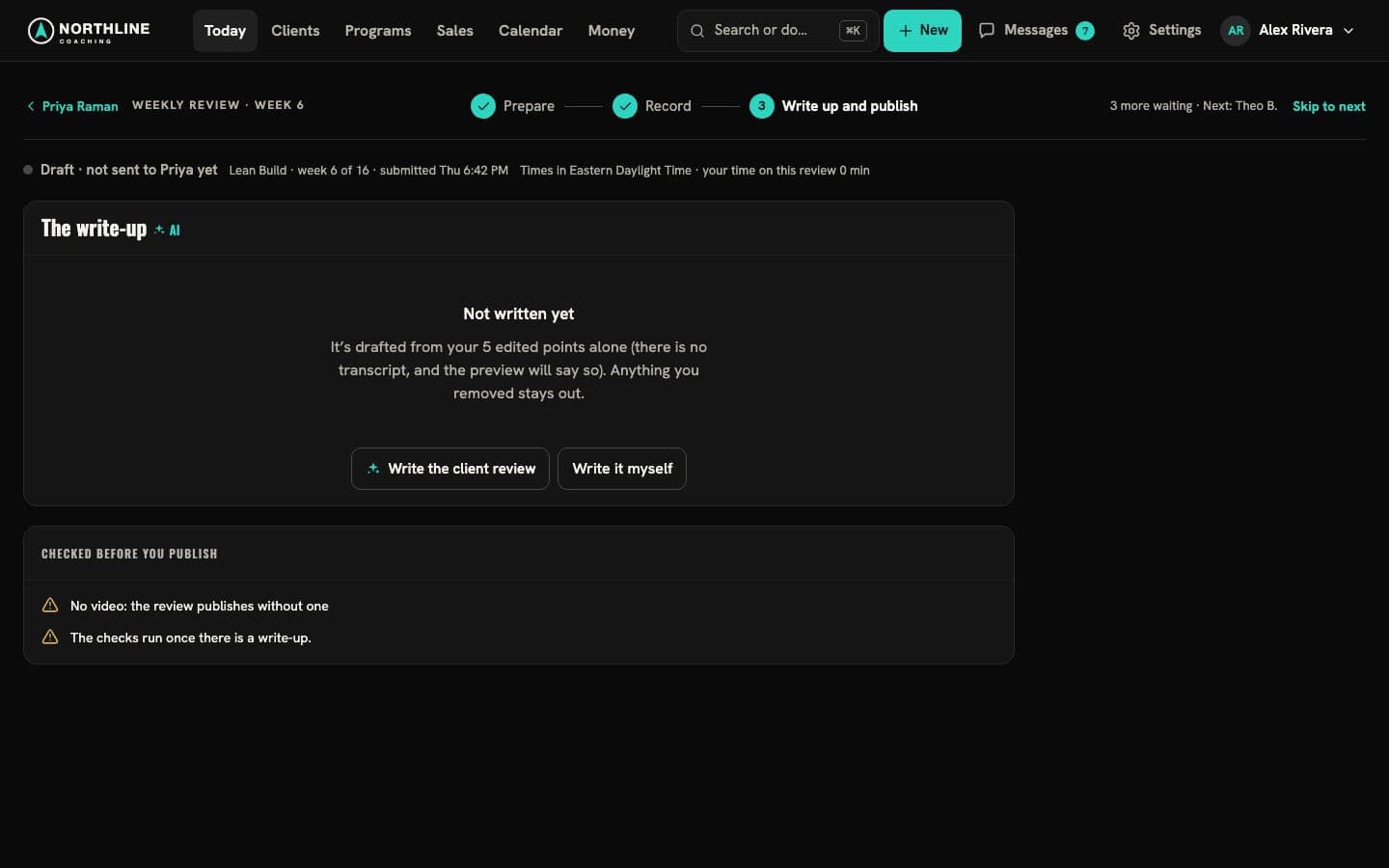
3 Write up and publish
Then the next client’s review opens.
Sell and get paid
Programs, prices and payments
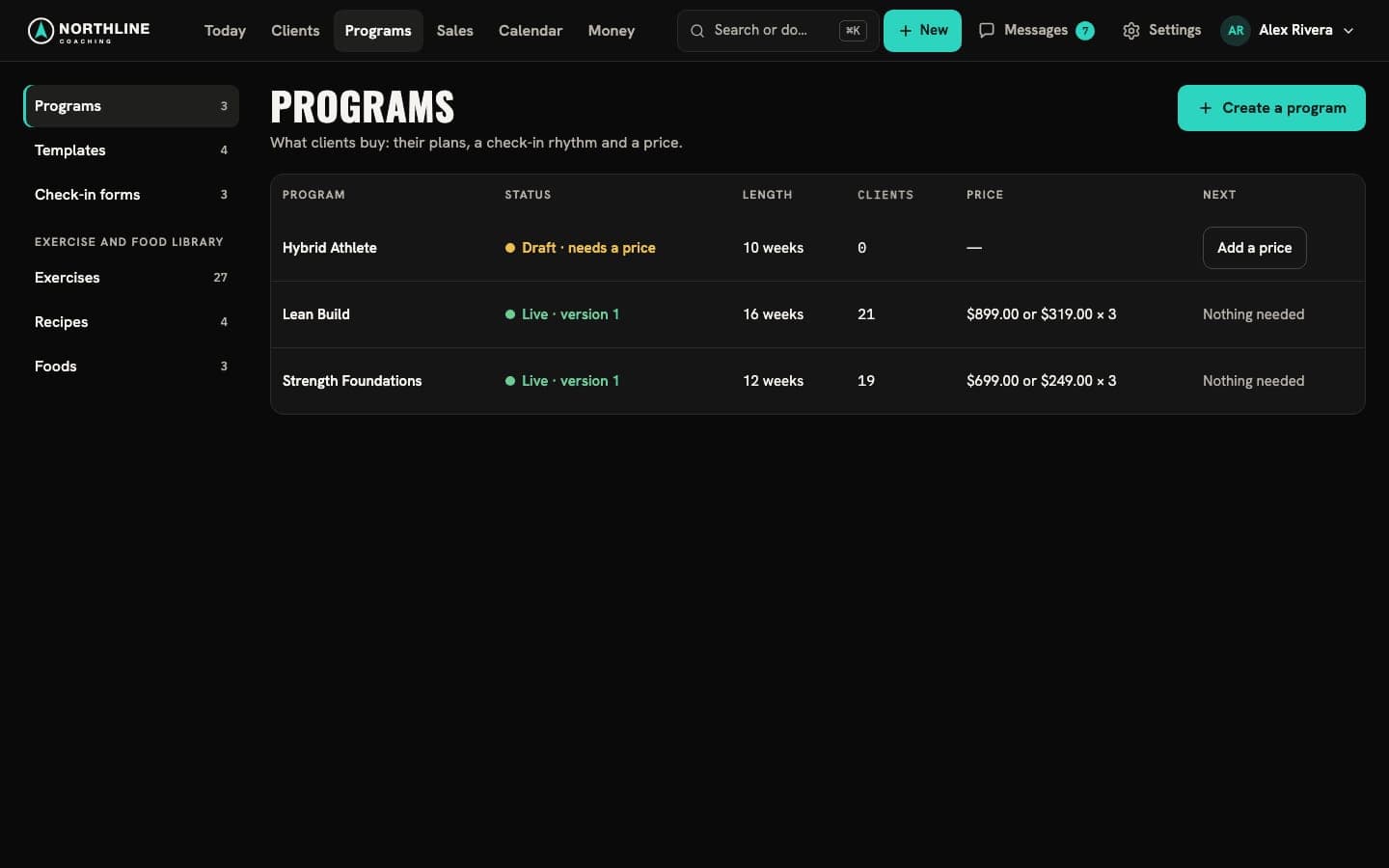
Publish a program with its price and policy, invite clients or share a sign-up link, and see what’s been paid.
- Clients pay you through your own Stripe account
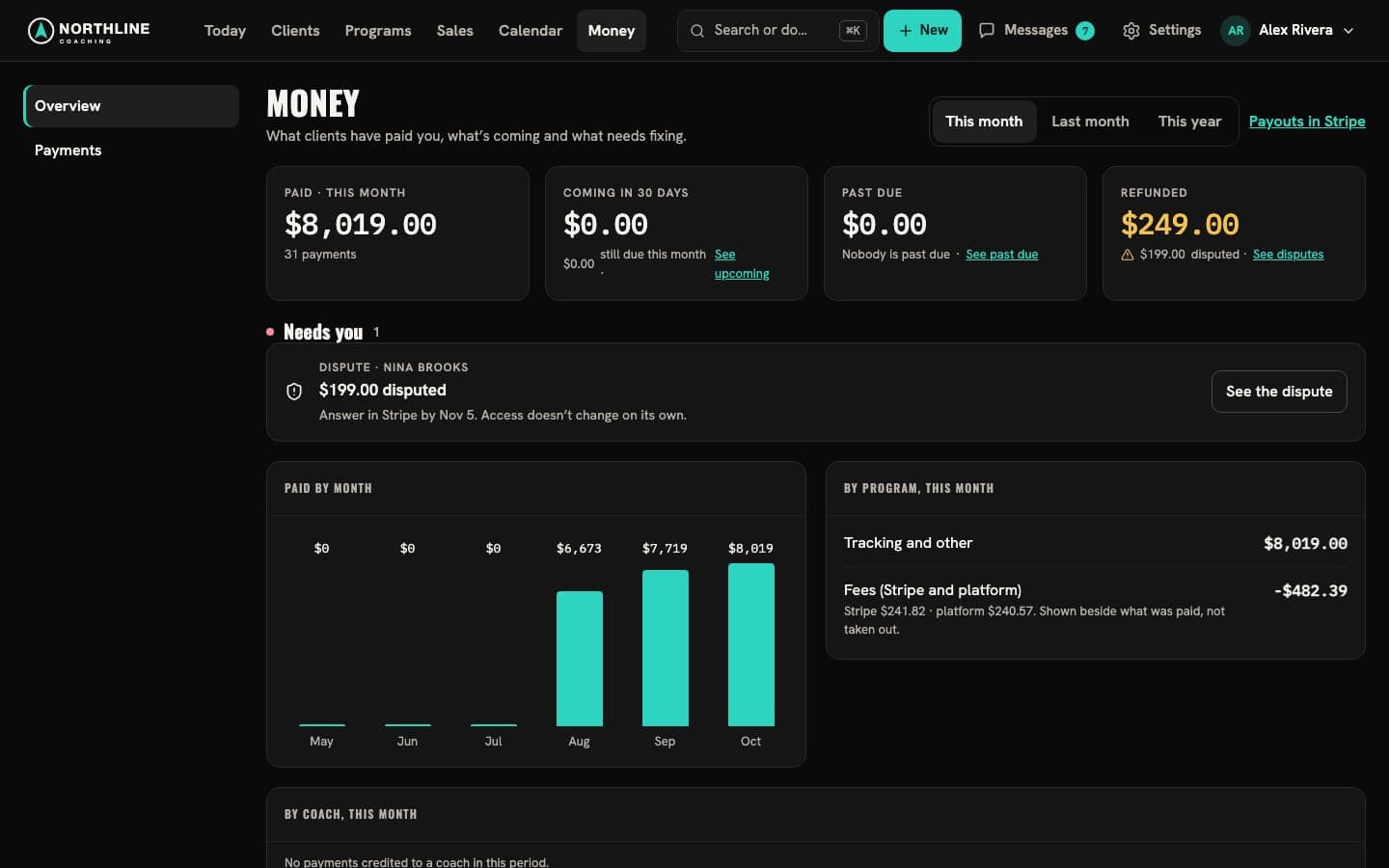
- Past-due payments and disputes show up on Today
- Paid by month and by program on Money
Fill the pipeline
Funnels, leads and booked calls
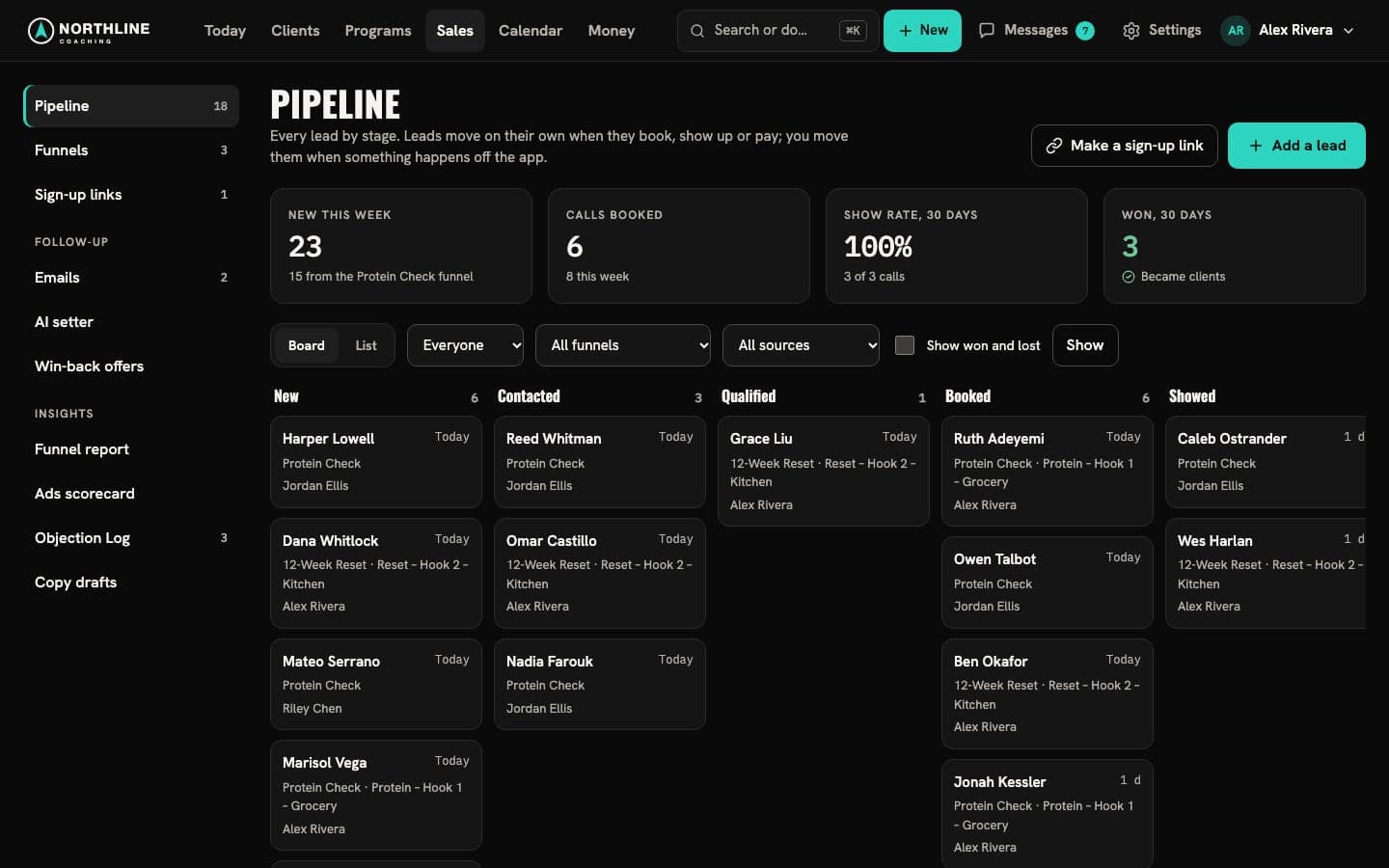
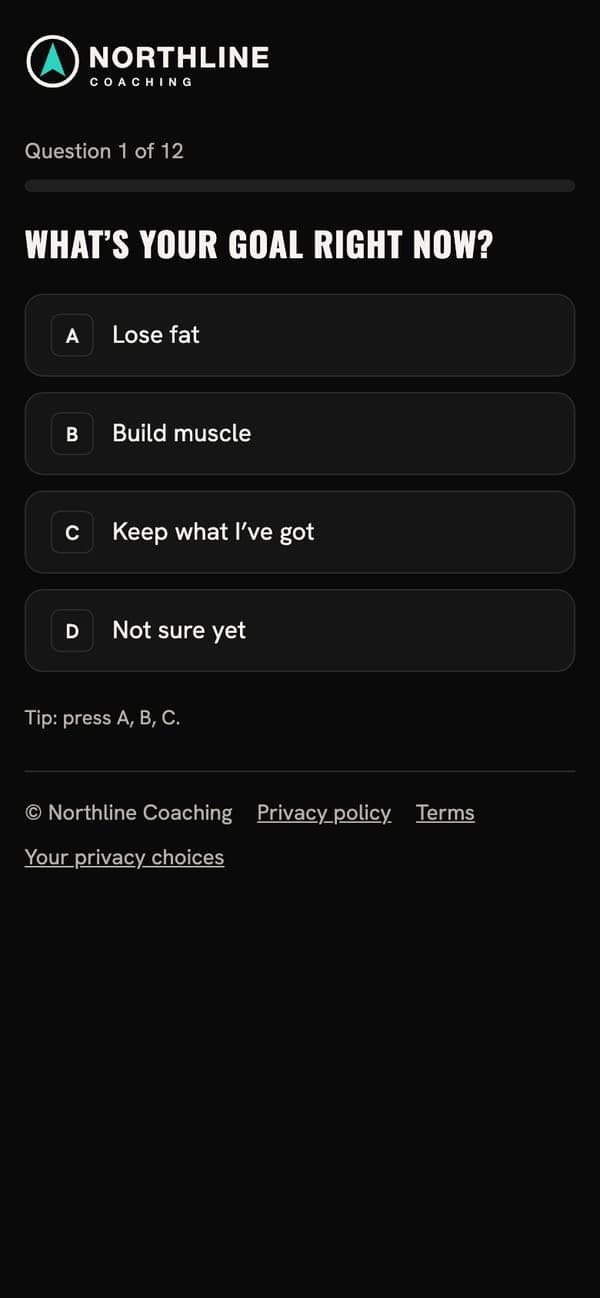
Launch a quiz or opt-in funnel from a ready-made start, and follow every lead through your pipeline.
- Launch a funnel in a few steps and share its link
- Leads by stage, owner and next step
- Give people your code for the web-based tracking app: those who share their activity become leads you can send an offer to
Scale
Grow a team around you
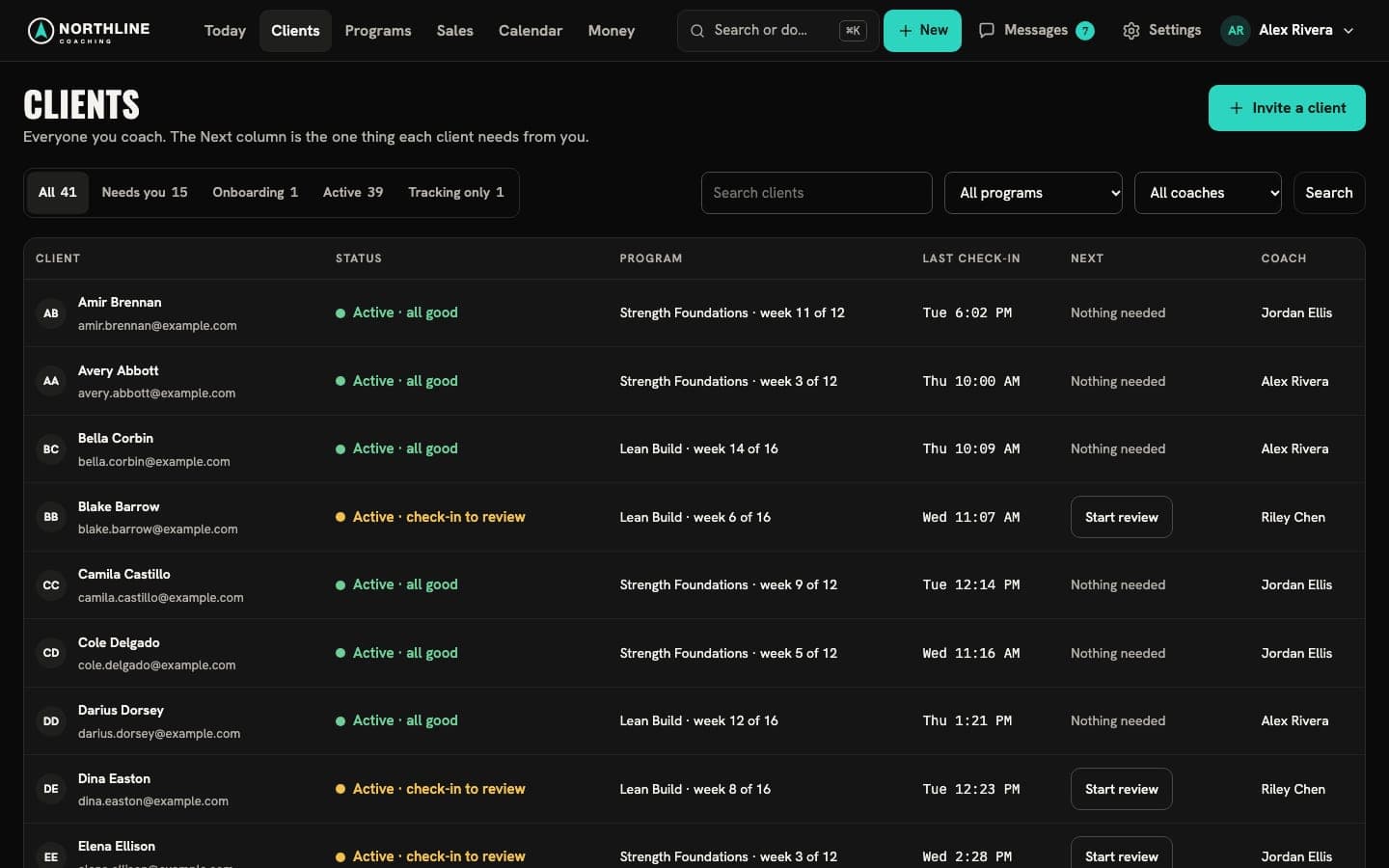
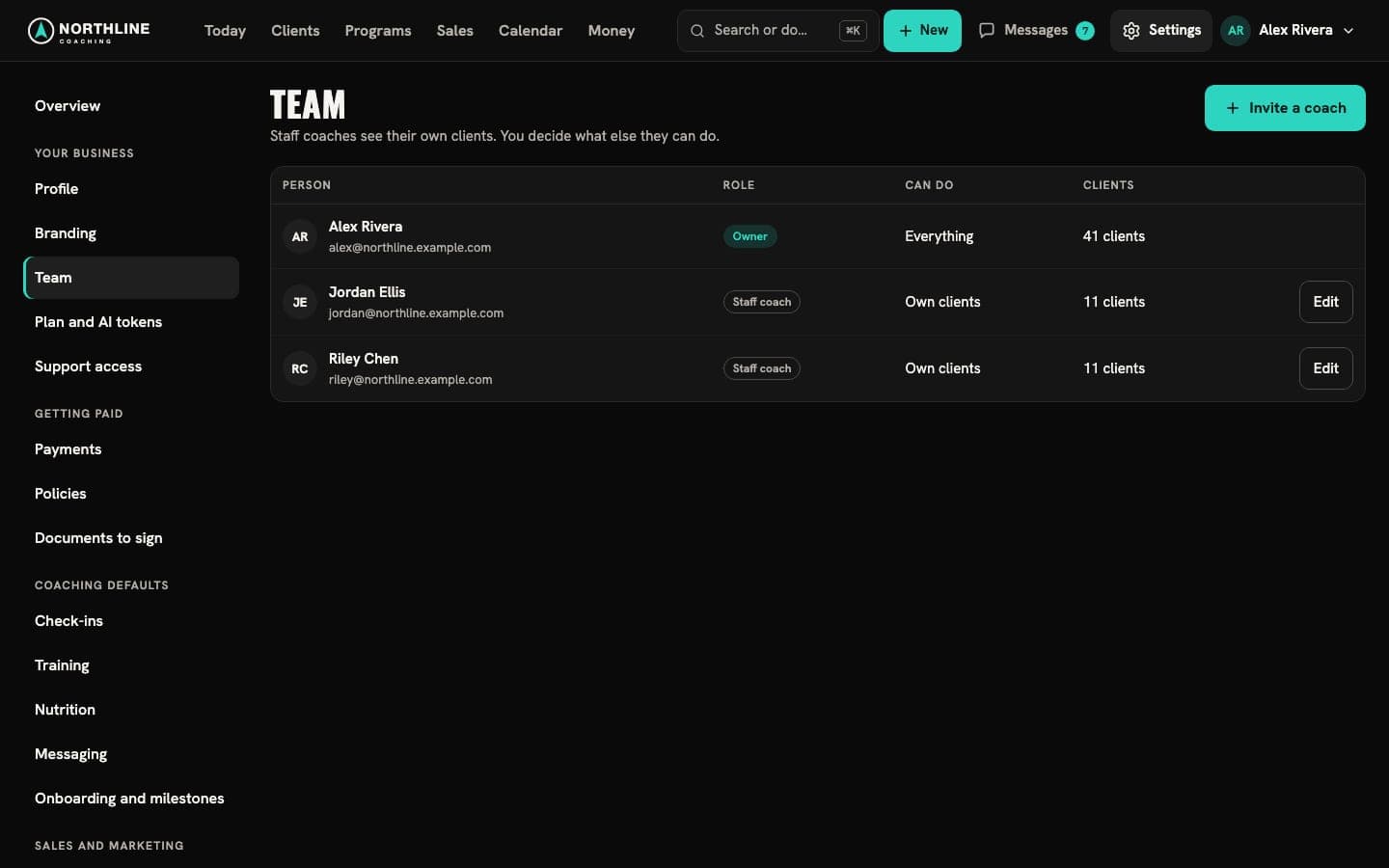
Add staff coaches with their own clients and decide what each one can do. Clients stay in one place.
- Roles and invitations for staff coaches
- Every client, by coach, status and last check-in
- The team’s bookings on one calendar
Your brand
Clients see your business
Your logo, your colors and your fonts, in the client app, on your funnels, in your emails and in your console.
How branding works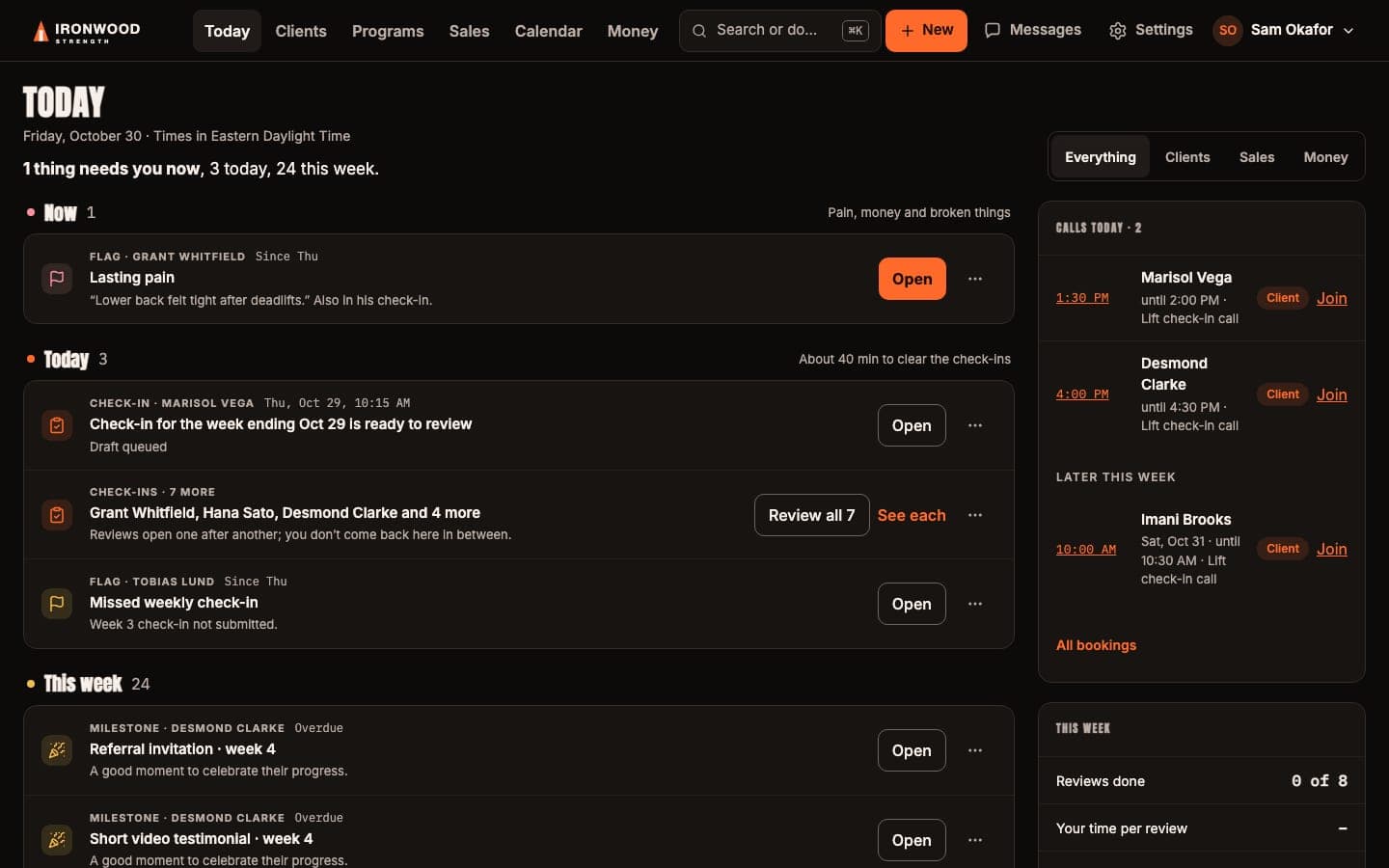
Request an invitation
Invitation only while we bring on the first coaching businesses. Every package has every feature.