Coaching on Titus Transform
A coach who reads your week.
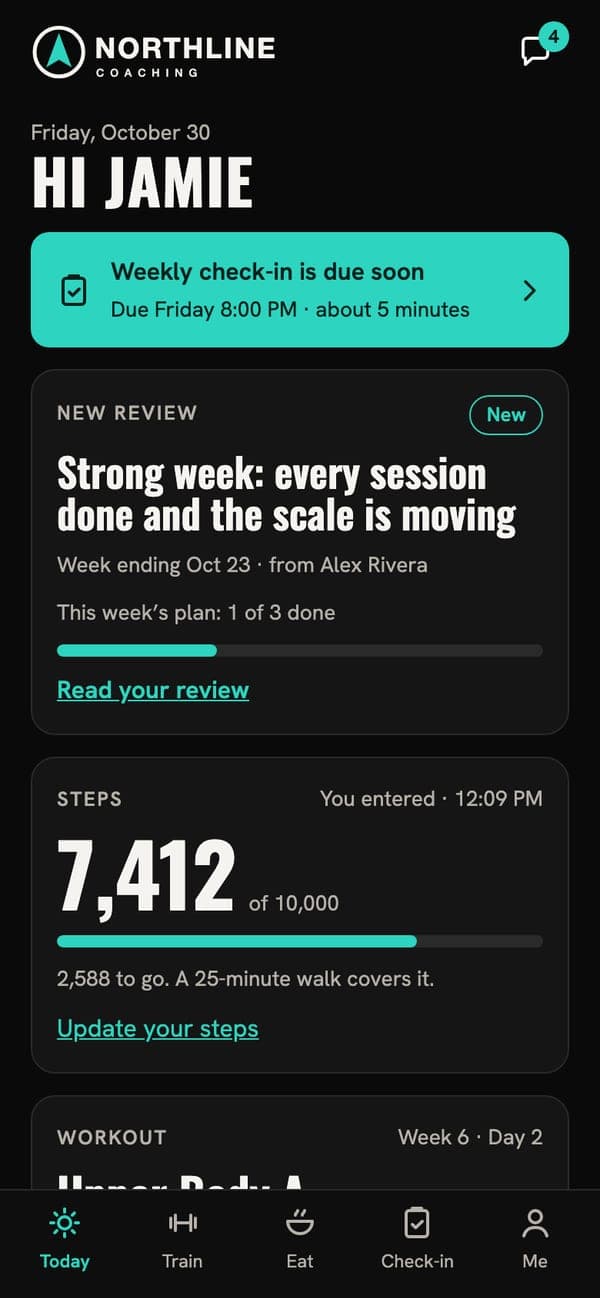
Your coach writes your plan, reads your check-in and records you a video review. The app keeps all of it in one place, on your phone.
Train
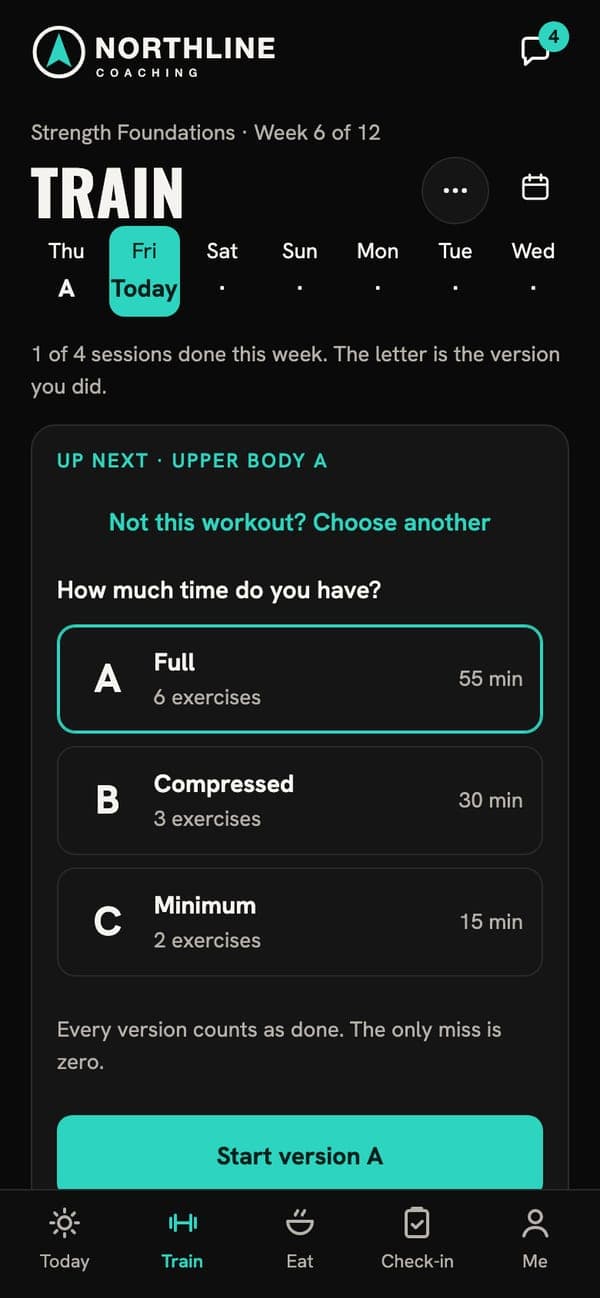
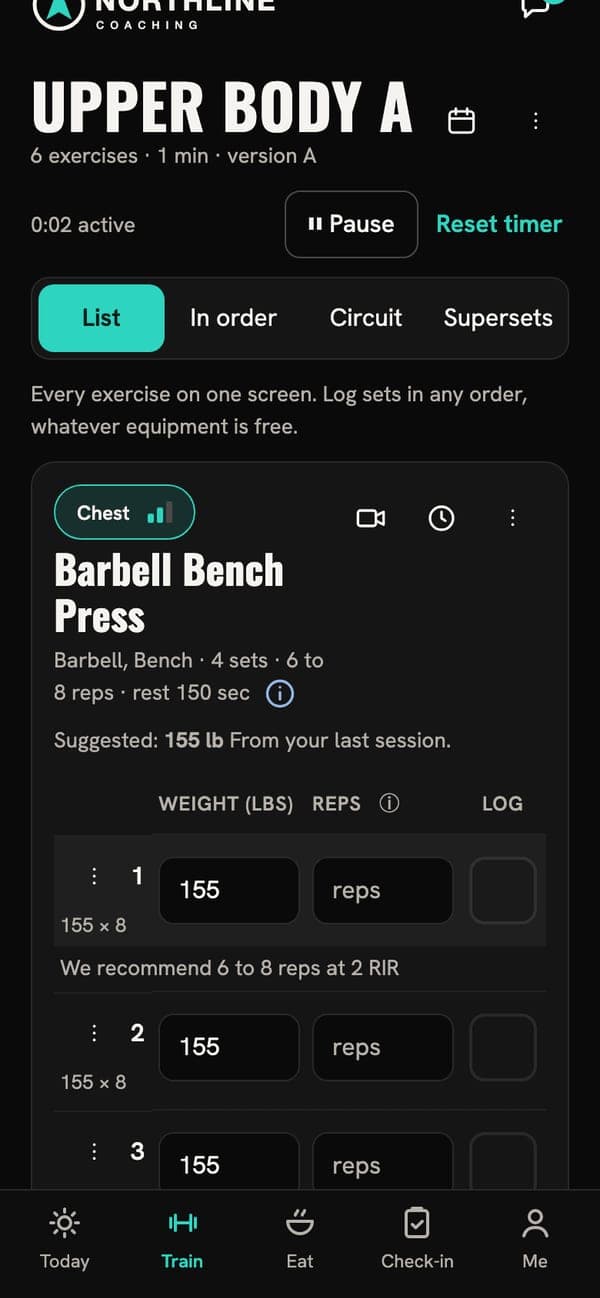
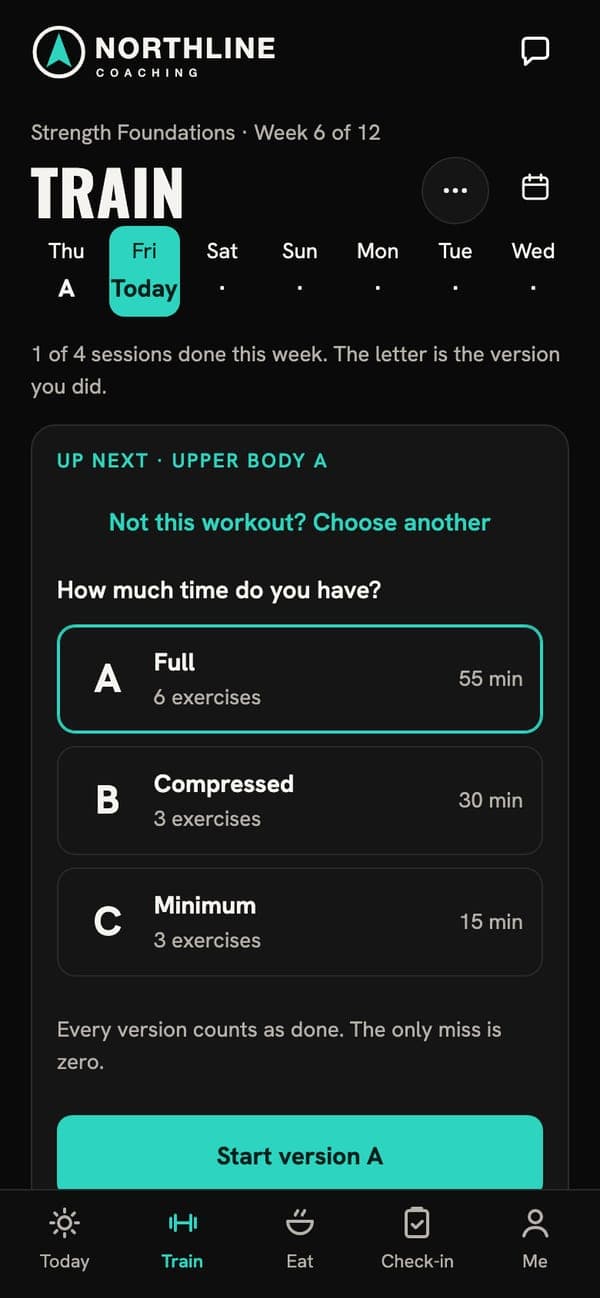
Every session in three lengths
Pick the version that fits the time you have. Every version counts as done.
- Full, Compressed or Minimum, set by your coach for each session
- Sets, reps and weights as you go, with a rest timer
- Workouts log without signal and sync when you’re back
- A: Full
- B: Compressed
- C: Minimum
Check in
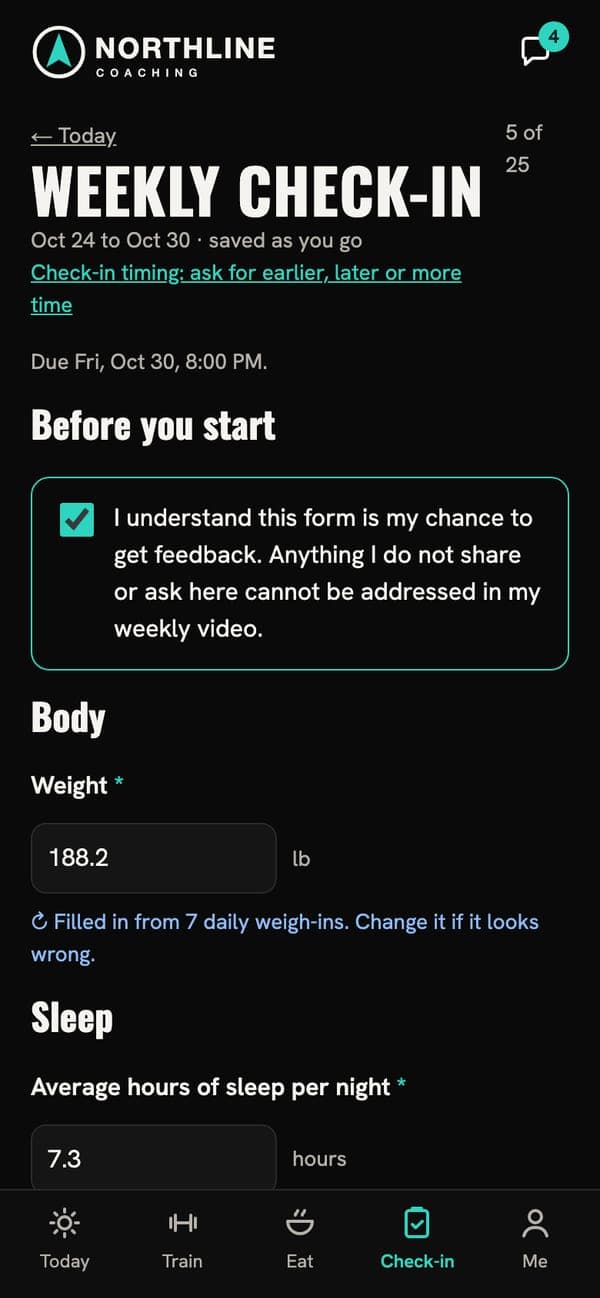
Your coach’s questions, your week filled in
A weekly check-in your coach writes. Your weight and sleep come in from your daily logs, so it takes minutes.
- Weekly and daily check-ins, written by your coach
- Numbers filled in from what you logged, so you only fix what’s wrong
Review
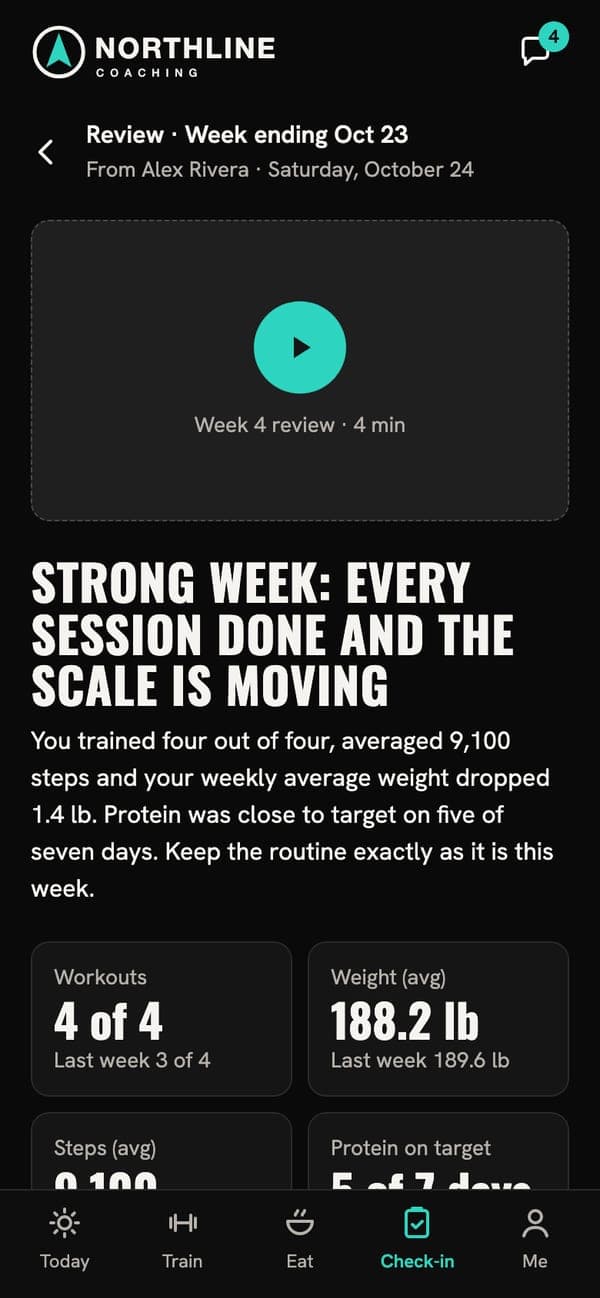
A video from your coach, every week
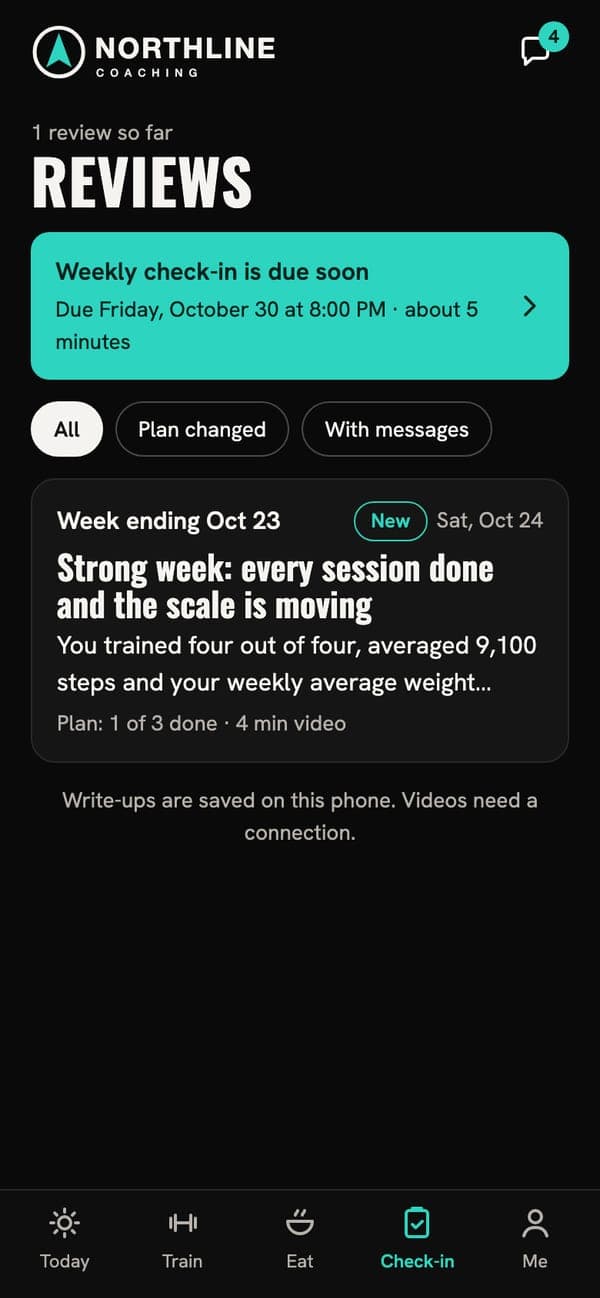
Your coach watches the week and records you a review: what went well, what’s changing and why.
- Video, headline, scorecard, wins and action items
- Reread any review, even offline once you’ve opened it
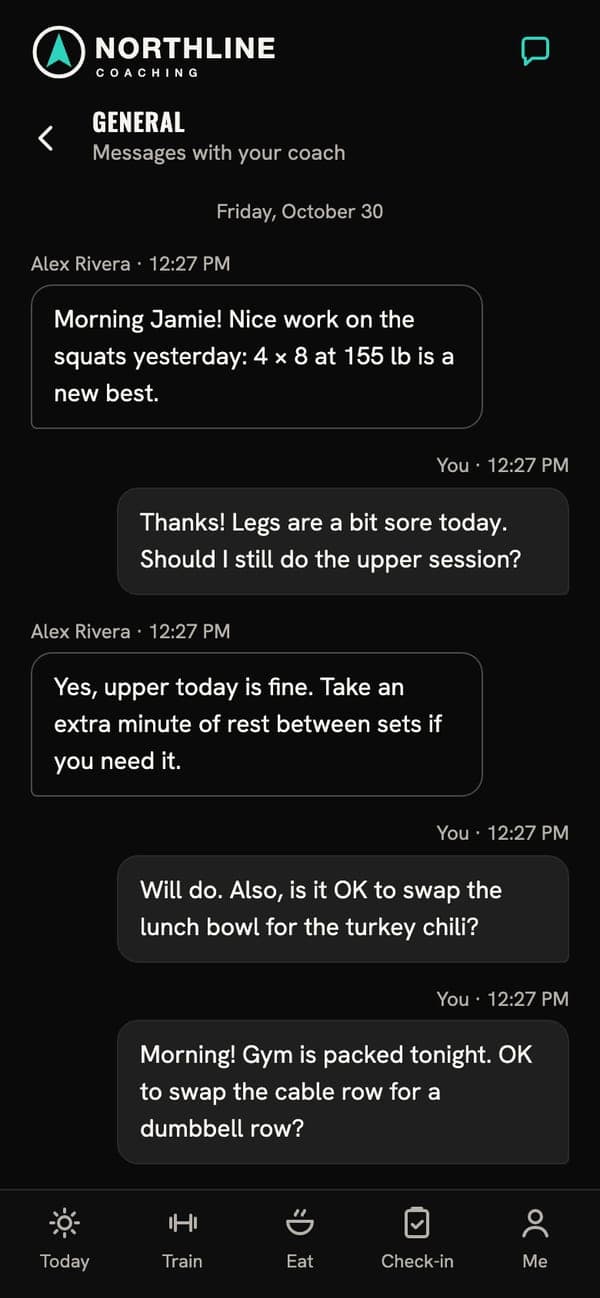
- Ask about it in messages
Plans that keep up
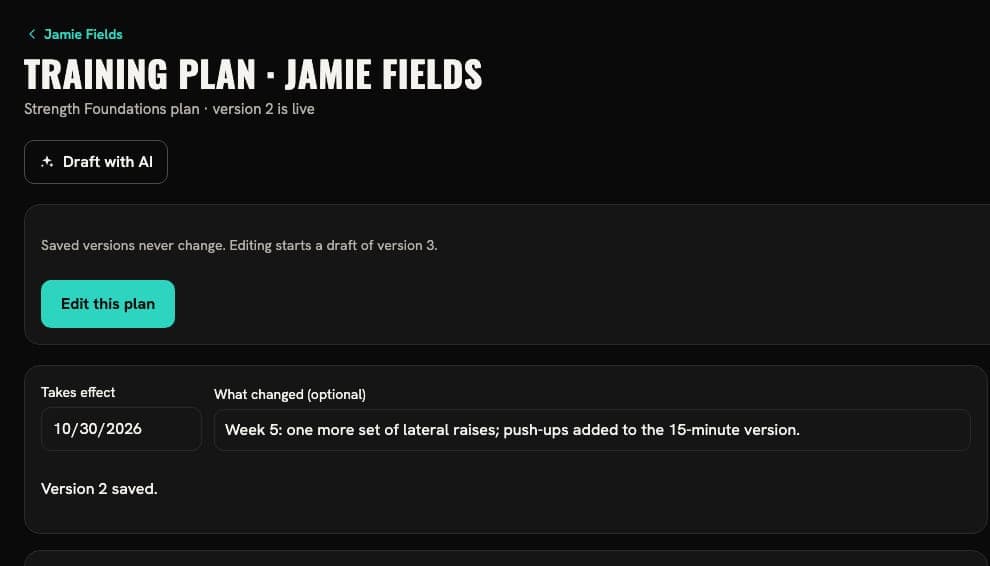
When your week changes, so does the plan
Travel, a sore shoulder, a new gym: your coach changes the plan, and today’s workout updates on your phone. Every earlier version is kept.
Progress
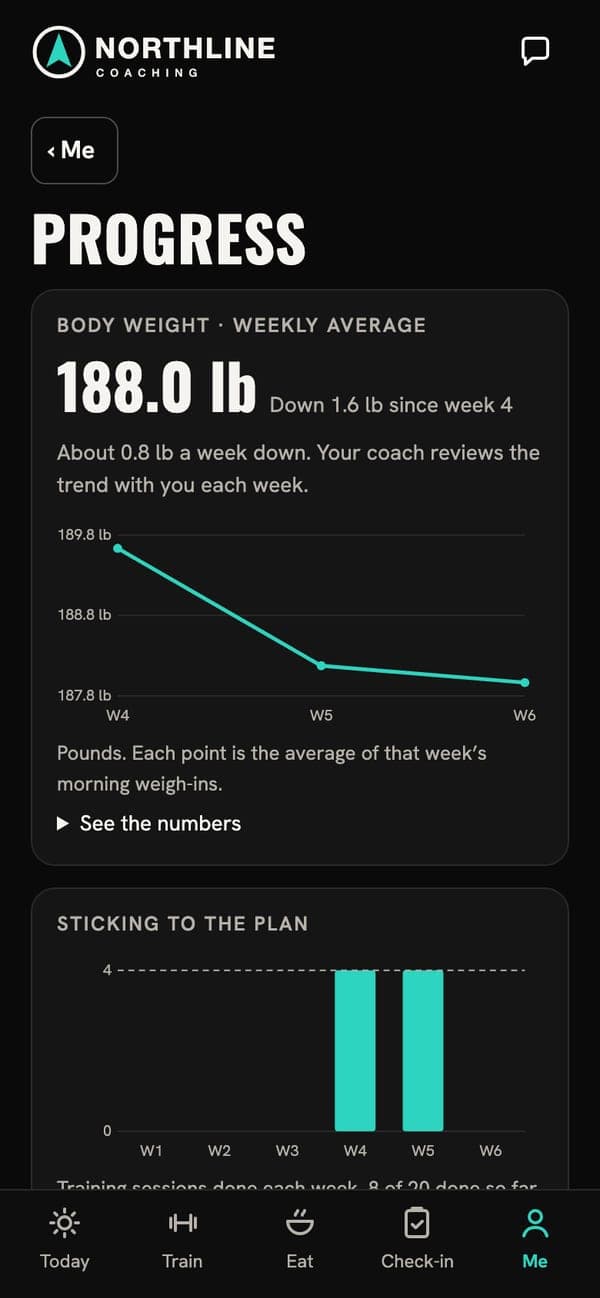
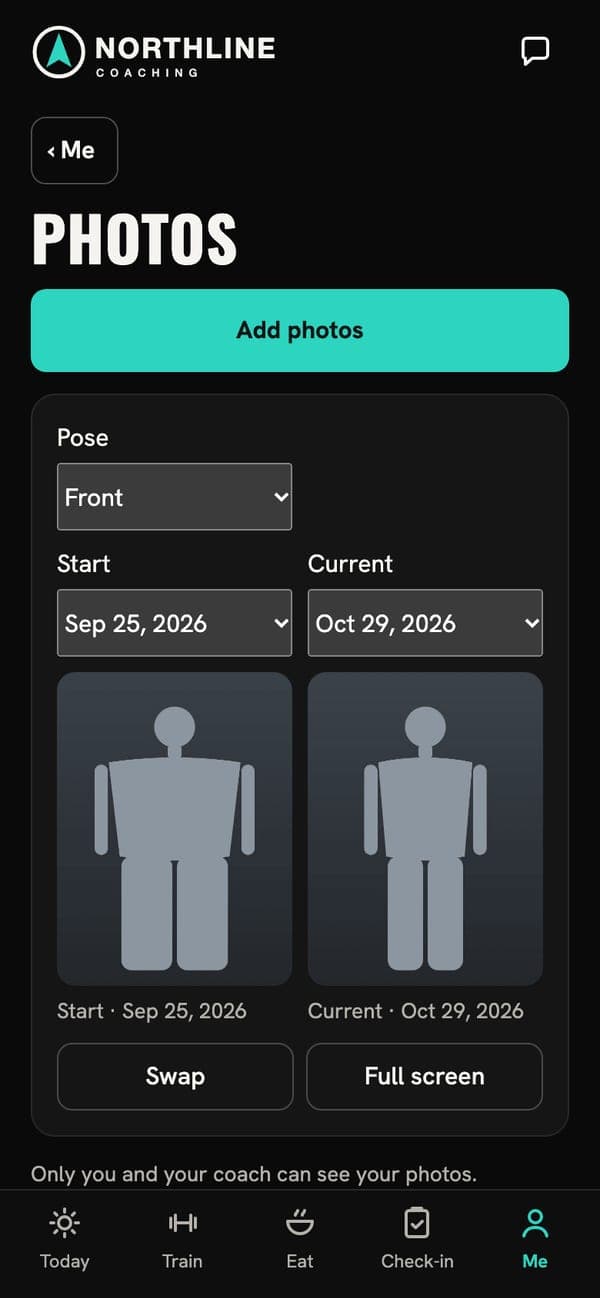
Photos and numbers, side by side
Weight, steps, sleep and how closely you stuck to the plan, plus progress photos you can compare.
- Only you and your coach can see your photos
- Blur your face in photos if you’d like
- Download your data or delete your account from Me
A person reads your week
Some coaches use AI to draft plans and review notes. Your coach checks every draft and approves it before you see anything.
How to get coached
Coaching starts with your coach
Each coaching business sells its own coaching, at its own price. Here’s what starting looks like.
An invitation or a sign-up link
Your coach sends one. Open it to pick your program and pay on the web.
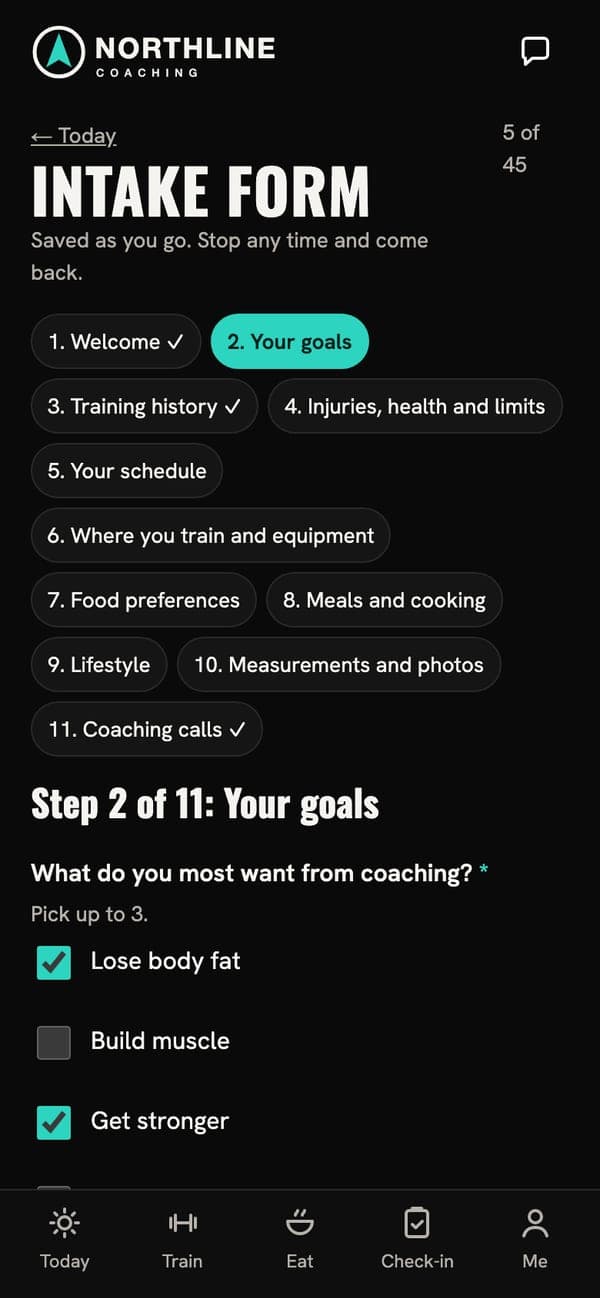
Your intake
Goals, history, schedule and equipment, in a form your coach writes.
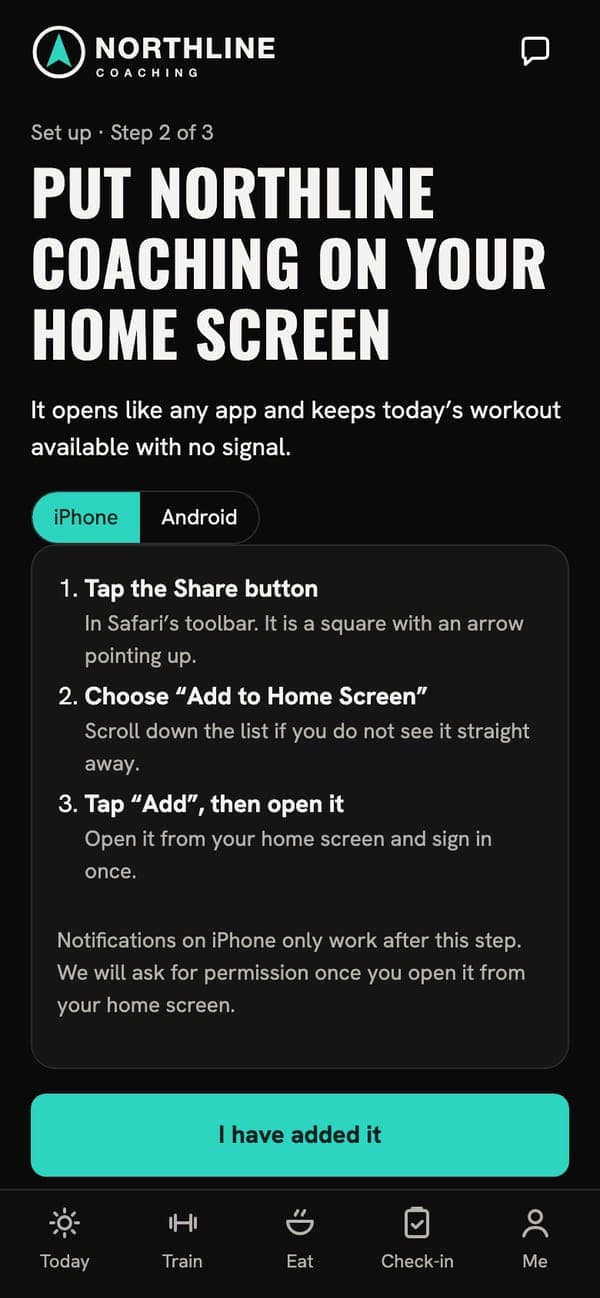
The app on your home screen
Then your plan, your first check-in and your first review.
Already have a coach?
Open the link they sent you
If your coach uses Titus Transform, they’ll send you an invitation or a sign-up link. Open it on your phone to start.